
CD and DVD Label Maker Articles & Design Guides
RonyaSoft CD DVD Label Maker is an application covering a full cycle of CD and DVD labels production. This CD cover maker combines simple and familiar interface with an extensive set of graphic editing tools. In this section you will discover articles on how to create CD DVD labels, guides and how-tos on label designs. You will learn how to design a label from scratch or using one of free templates provided with the CD label software.
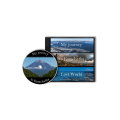

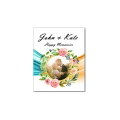
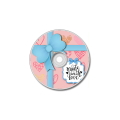
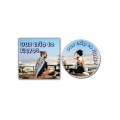
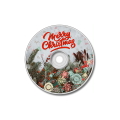

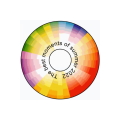
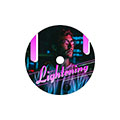

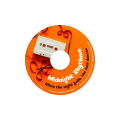



CD DVD label ideas
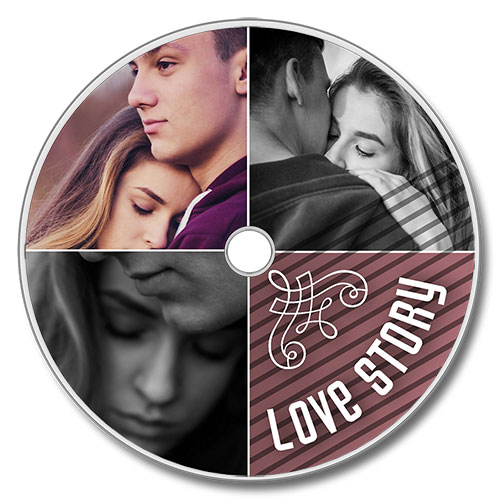
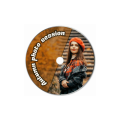
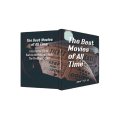
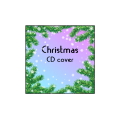
These articles will provide you with amazing original ideas of DVD and CD label designs which are simple to produce, yet look professional. The articles will take you through the template gallery and will teach you how to choose a proper CD label design for any task, disk or business goal. Each section of template gallery serves as a source for great CD label ideas as for business, so for leisure and education.
Each template is listed on our website and is followed with a detailed step by step mini guide on how to create such a CD label design.
DVD cover size
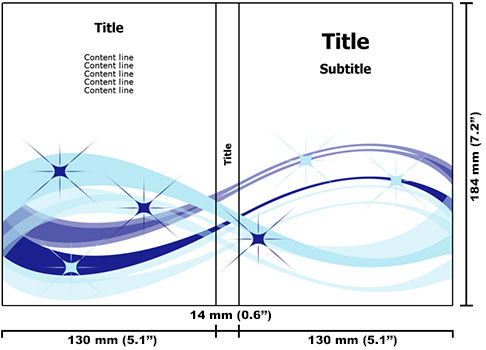
RonyaSoft CD label software allows you to create a CD or DVD cover from scratch. You will start from setting custom dimensions. In case with disk labels you need to be accurate as a label of wrong dimensions will not fit onto the disk or onto a standard CD or DVD case.
In this section you will find all necessary articles on CD and DVD cover size, lists of DVD cover and case types with sizes and descriptions, pros and cons Each guide is added with step by step instructions of how to create a certain type of a CD or DVD label with CD cover maker.
You can download CD DVD label maker right from the article by clicking a green download button. It will take you to a download page with a free trial version. Mind that the demo version of the label maker provides access to a full set of options and editing tools. Or you can buy full license online.
CD label design
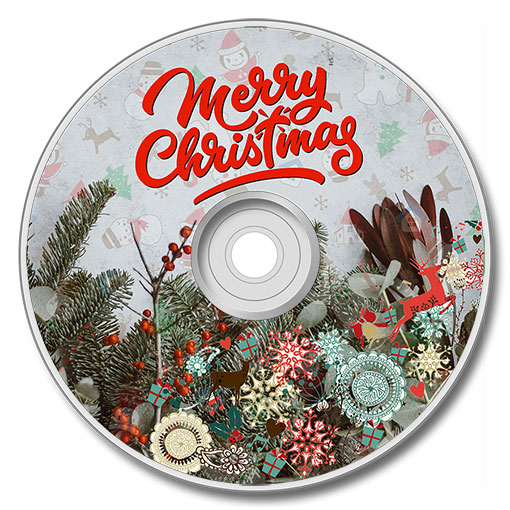
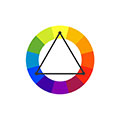
The section also includes articles on CD label design with step by step instructions using RonyaSoft CD label software. The articles provide you ideas, instructions and visuals of the result. You will get insights on color schemes, typography, proper elements arrangement of a CD label. You will learn why CD label design is different from other printed designs and what you should consider when creating another disk label. The section is updated and added with fresh data.
Among the articles on how to use CD label software you will also find the guides on how to print CD labels, which type of paper to use, which software will provide a professional result, how to position the label, how to optimize your CD label design for printing.
Apart from key insights on CD label design creation, you will also discover articles on how to create specific labels for hobby. films, music, home videos, education, business presentations and so on.
Frequently Asked Questions (FAQ)
Also check out our other sections: